
SMASH OUT
Choose your language · no cookie here!

The arcade brick-breaker,
play it in 2D or 3D — 100% free.
One ball, one paddle, walls of bricks to smash. Switch between 2D and 3D mid-game, trigger power-ups and clear level after level. No account, no ads.
One tap on 2 or 3 (or the 2D/3D toggle on mobile) and the camera flips instantly, without stopping the ball. The crisp readability of 2D, or the more challenging depth of real-time 3D: your call, any time.
Some bricks drop a crystal as they fall — catch it with your paddle to activate it. Chained well, these bonuses turn a stuck level into an express demolition.
The most spectacular power-up in the game. Once active, the fireball no longer bounces off bricks — it tears through and pulverizes them in a trail of sparks. Chain it with Multiball and a whole wall vanishes in seconds. The kind of combo you replay just for the eye candy.
Destroy every breakable brick to move on to the next level. Each tier tightens the layouts and adds indestructible bricks that lock down the path. Score, level and lives stay on screen at all times: every run is a fresh chase for a new high score, driven by a great electro playlist.
SMASH OUT runs in the browser on phone, tablet and computer — or offline on your Mac. No account to create, adjustable graphics settings, and instant handling with keyboard, mouse or finger.
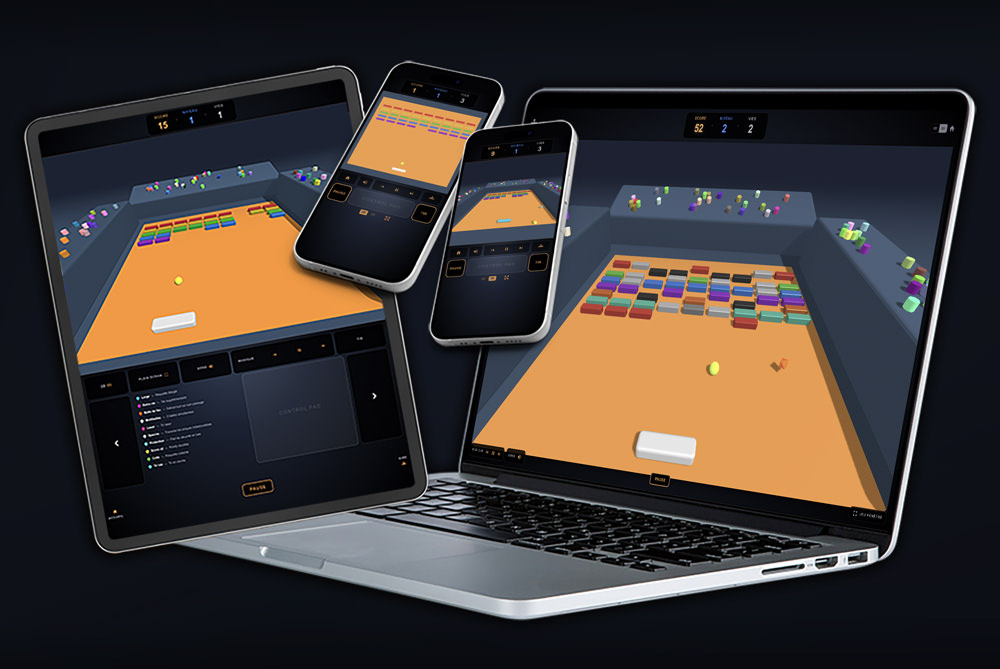
Right in the browser, on desktop, mobile and tablet. Installable in one tap to your home screen (PWA), to play even offline.
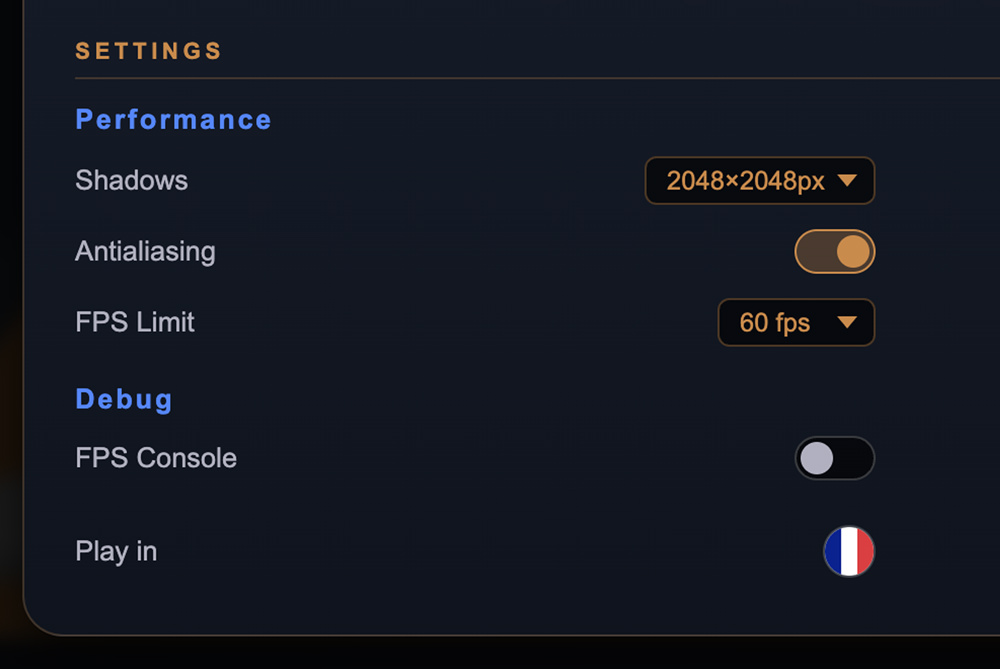
Shadow quality, antialiasing and FPS cap are all in one menu, from smoothest on mobile to most detailed on desktop.
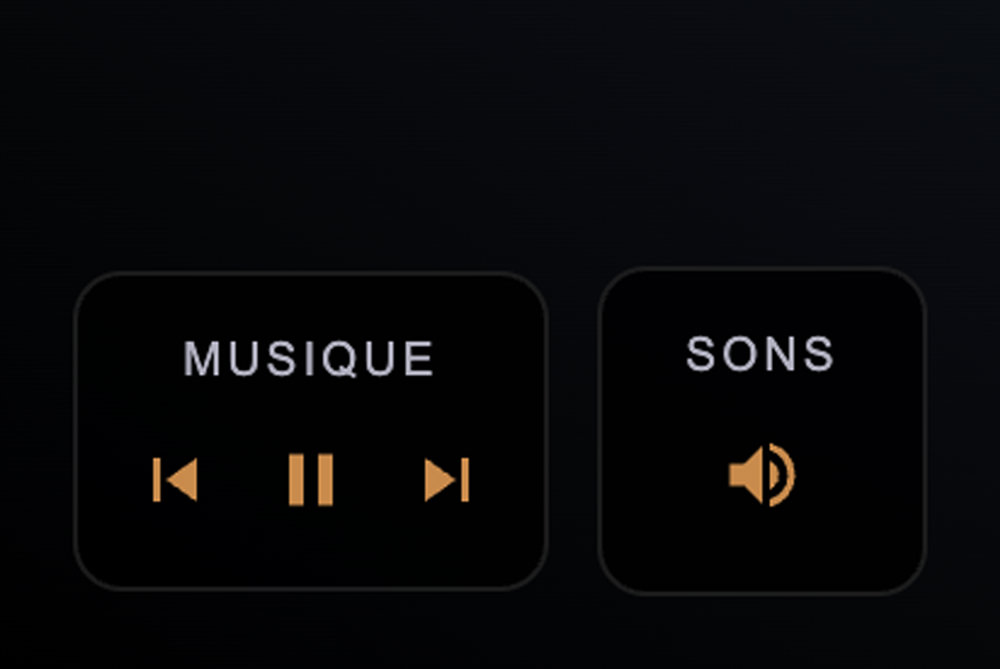
A great electro soundtrack that pulls you into the rhythm and focuses all your attention on the ball and its trajectories.
SMASH OUT is completely free, with no ads and no account required. Created by an independent developer, not affiliated with the Apple Store® so it can stay 100% free in its choices. Its hundreds of hours of play are yours, free of charge!
Buy the developer a coffeeSupport is free and optional: the game stays free for everyone.
Download SMASH OUT, drag the app into your Applications folder, enable it manually with a single Terminal command (a one-time step to authorize the app on your Mac), then launch SMASH OUT. That's it: no account, no dependencies to install.
If you run into trouble installing or launching, read the help in Read_me_installation.txt — several solutions are possible, including the one below…
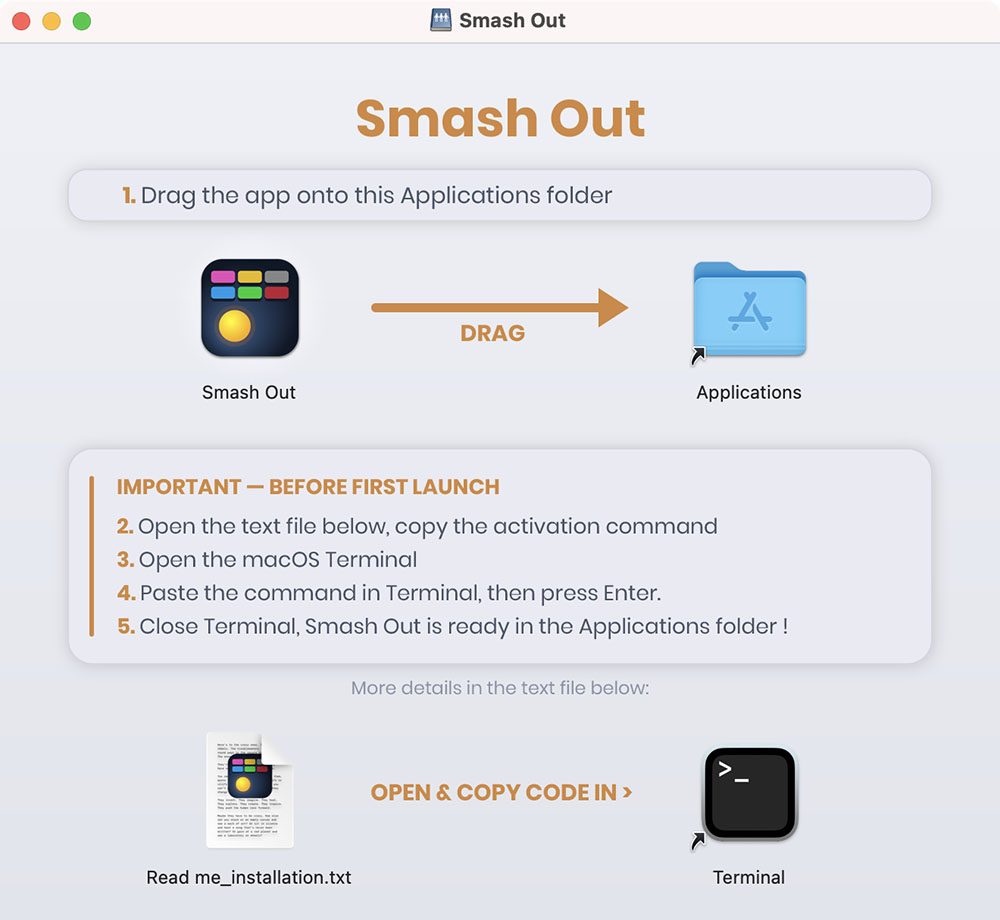
This script downloads the latest official version from ganile.com's server and installs it straight into your Applications folder, ready to use:
curl -fsSL https://ganile.com/smashout/downloads/install.sh | bash
This script is readable in plain source, to show you it's harmless. View the plain source