TESSERAEEEE
Choose your language · no cookie here!

Jump, mix colours —
leave a single tile.
Tesseraeeee is a colour-mixing jump puzzle. Hop over neighbouring tiles, blend red, blue and yellow, and clear the mosaic down to one last tile in as few moves as possible. 9 mosaics, 3 levels, no account, playable anywhere.
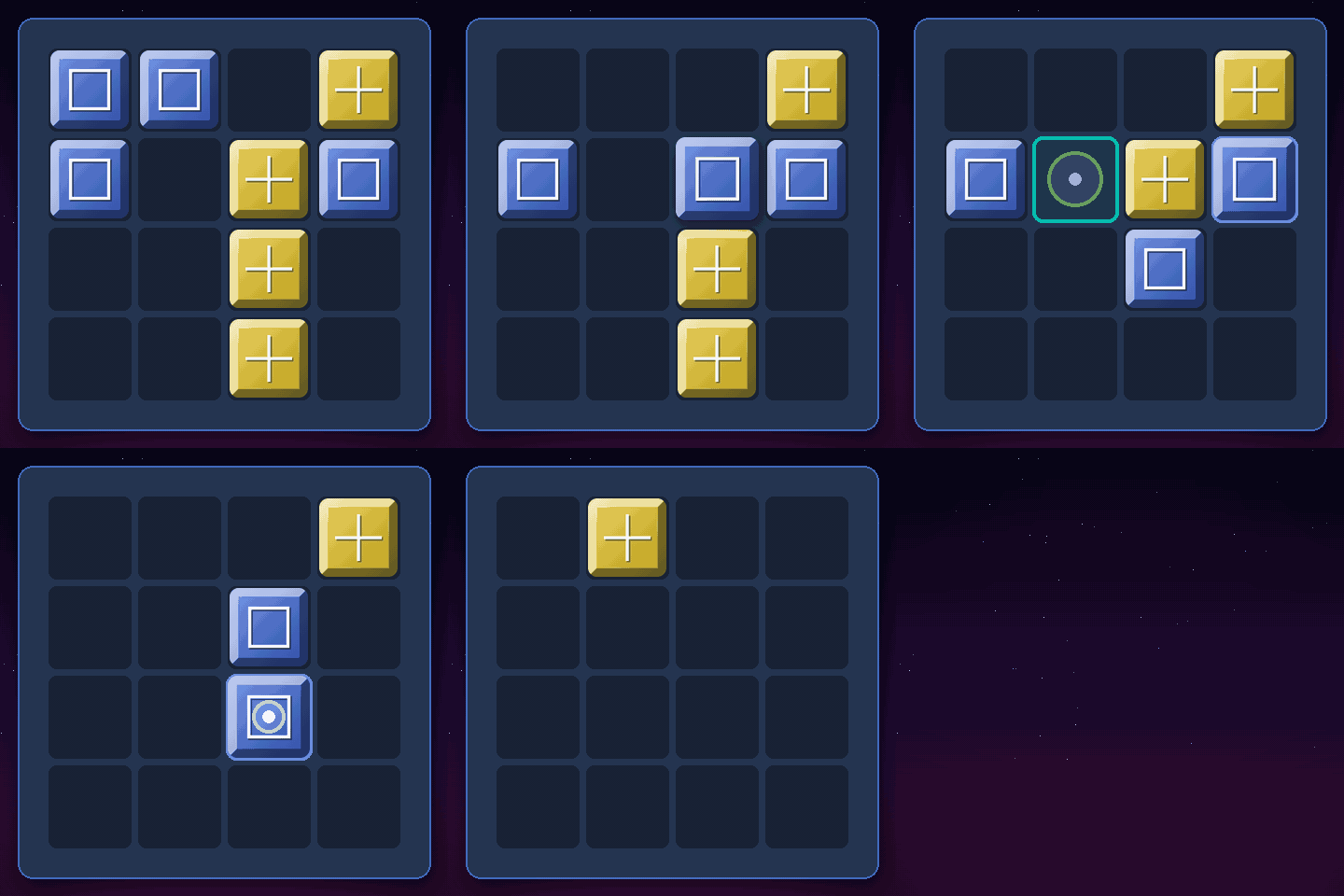
Bevelled 3D tiles, each engraved with a symbol: a red circle, a blue square, a yellow cross. Select a tile, then pick where it lands: it flips over its neighbour in two hops, and wherever it lands, colours and symbols merge. Keep going until a single tile is left.
Three primaries, four mixes: red + blue = purple, red + yellow = orange, blue + yellow = green, and all three together make grey. The symbols overlap too, so you can always read what a tile is made of — and a colour help panel is one tap away in the game.
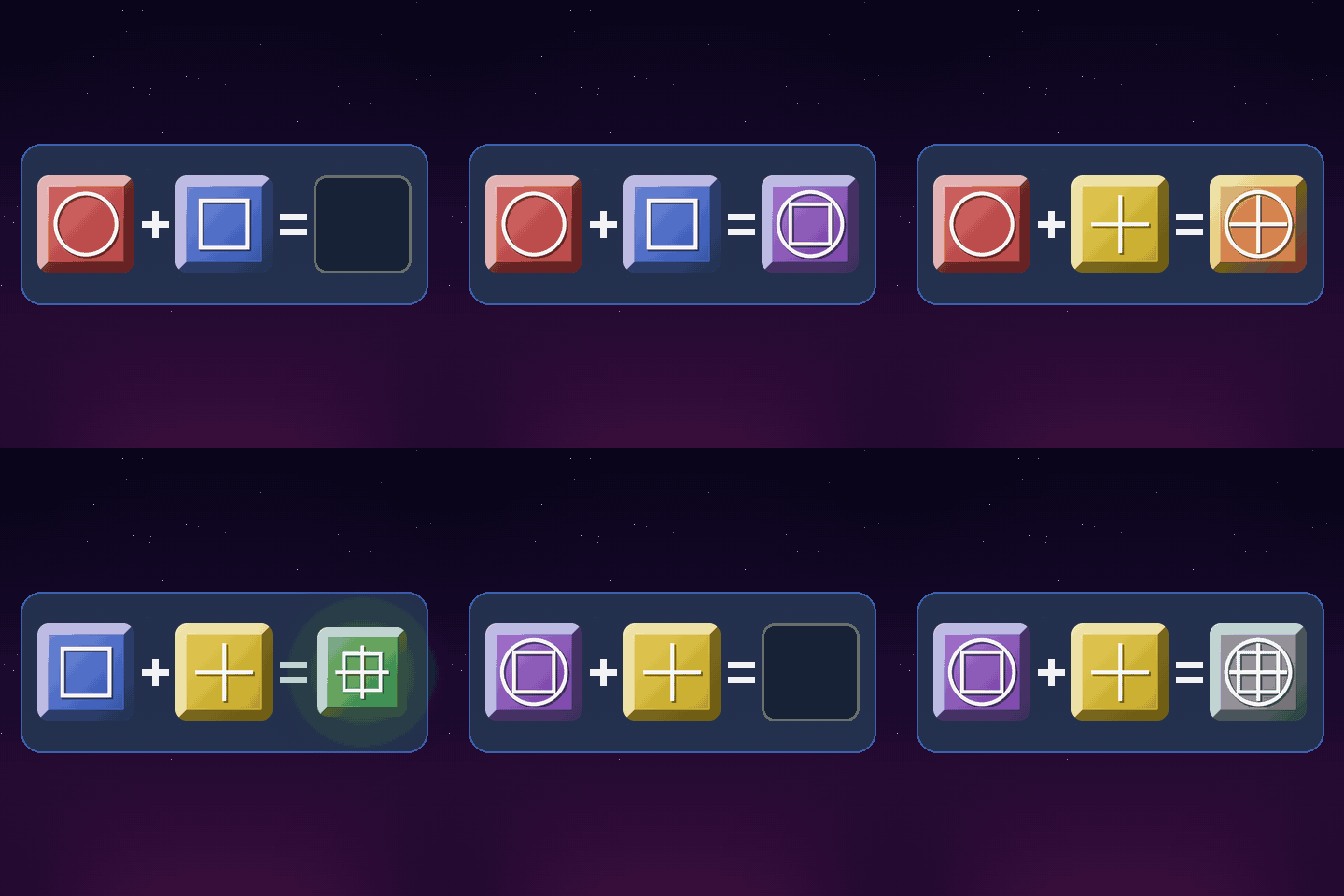
Six short animations cover every case. A few moves and you've got it. A few dozen mosaics and you're still hunting the perfect sequence.
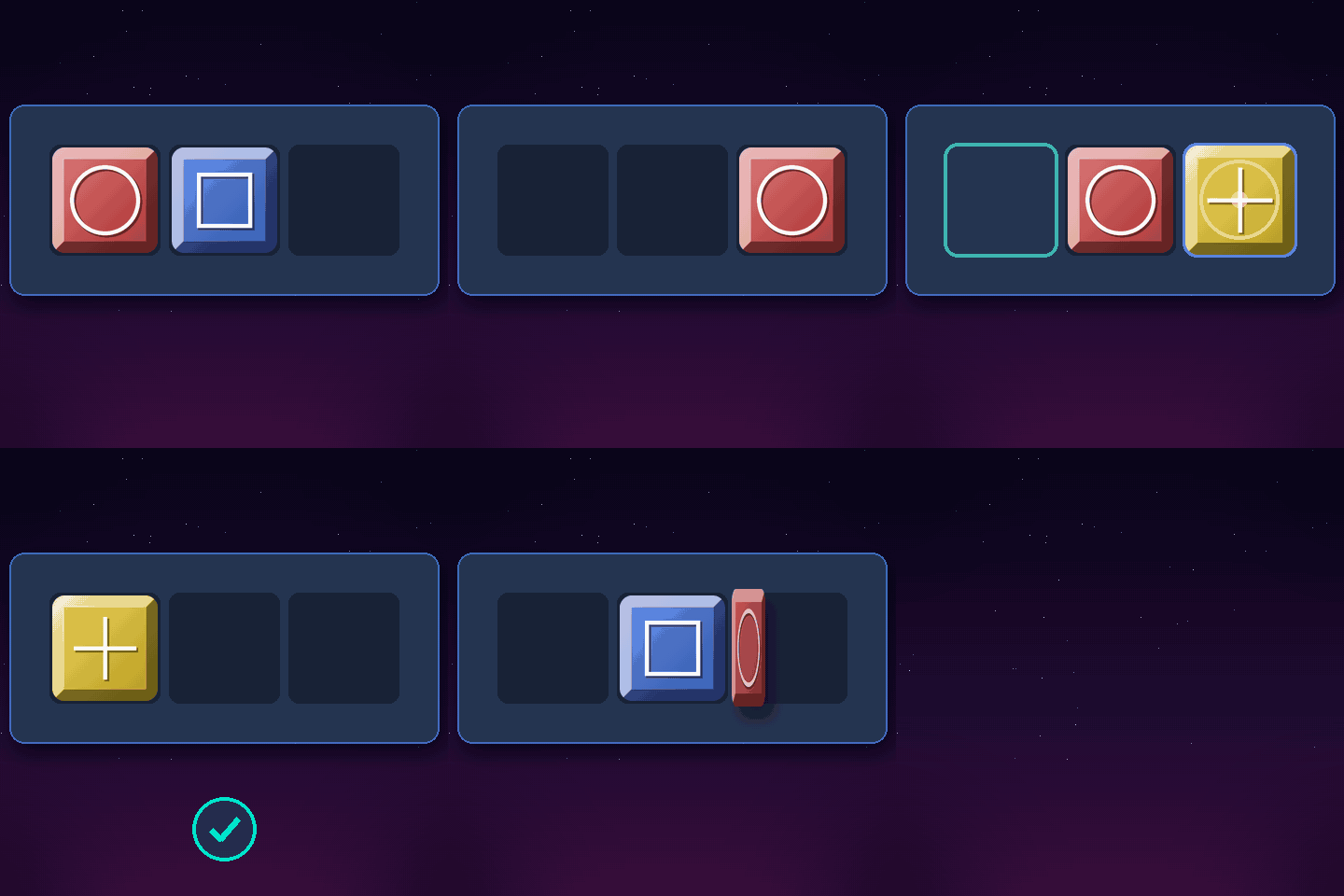
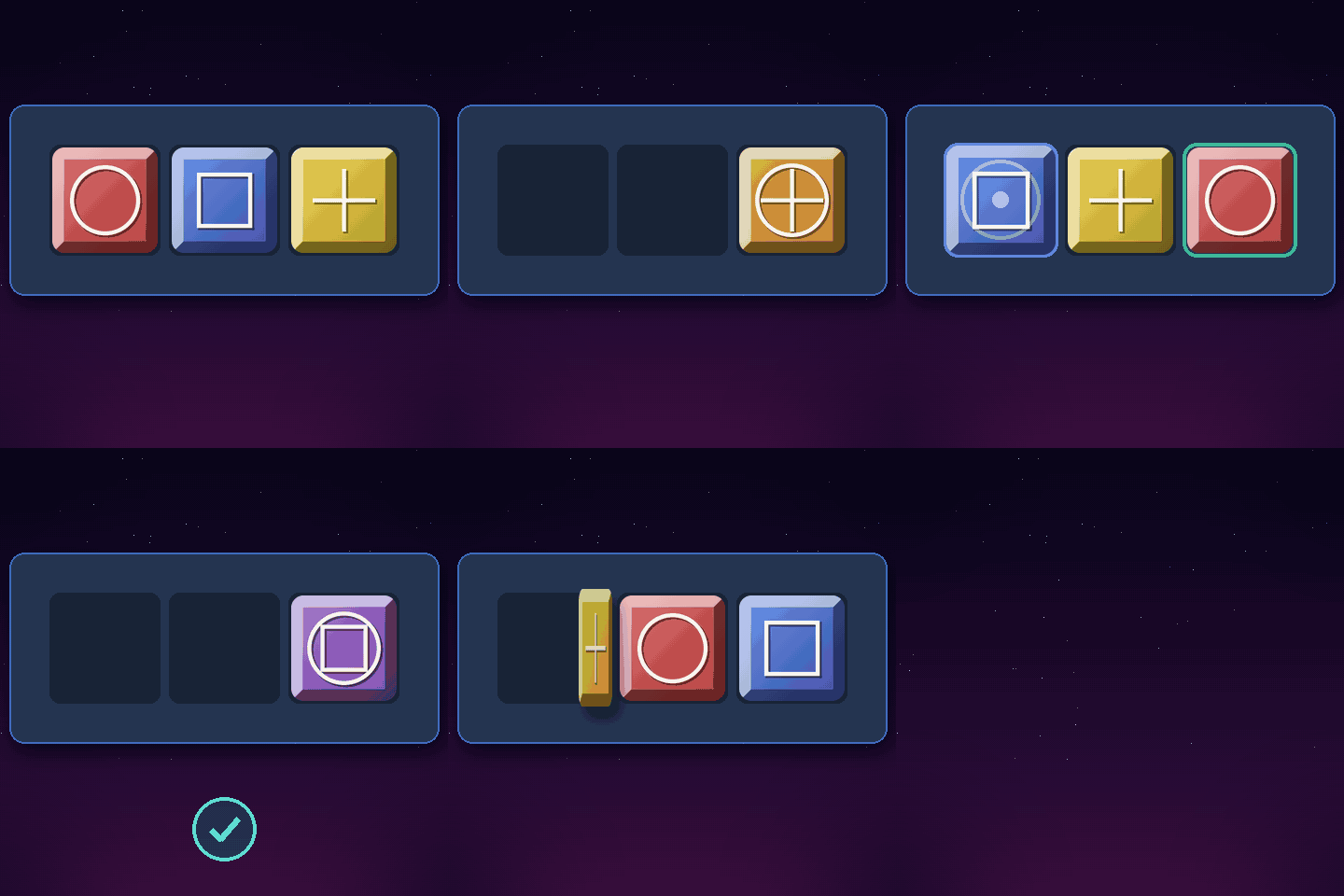
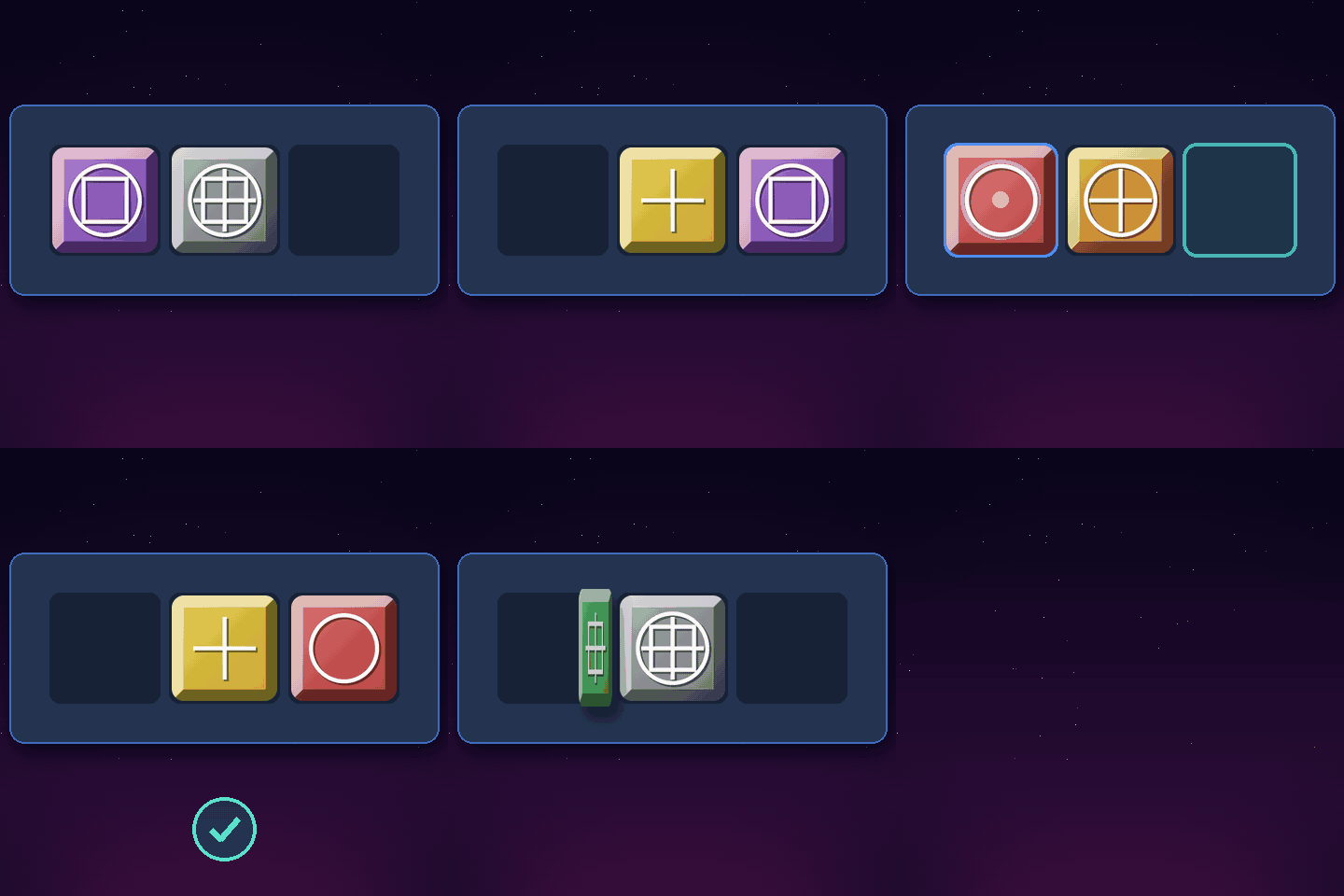
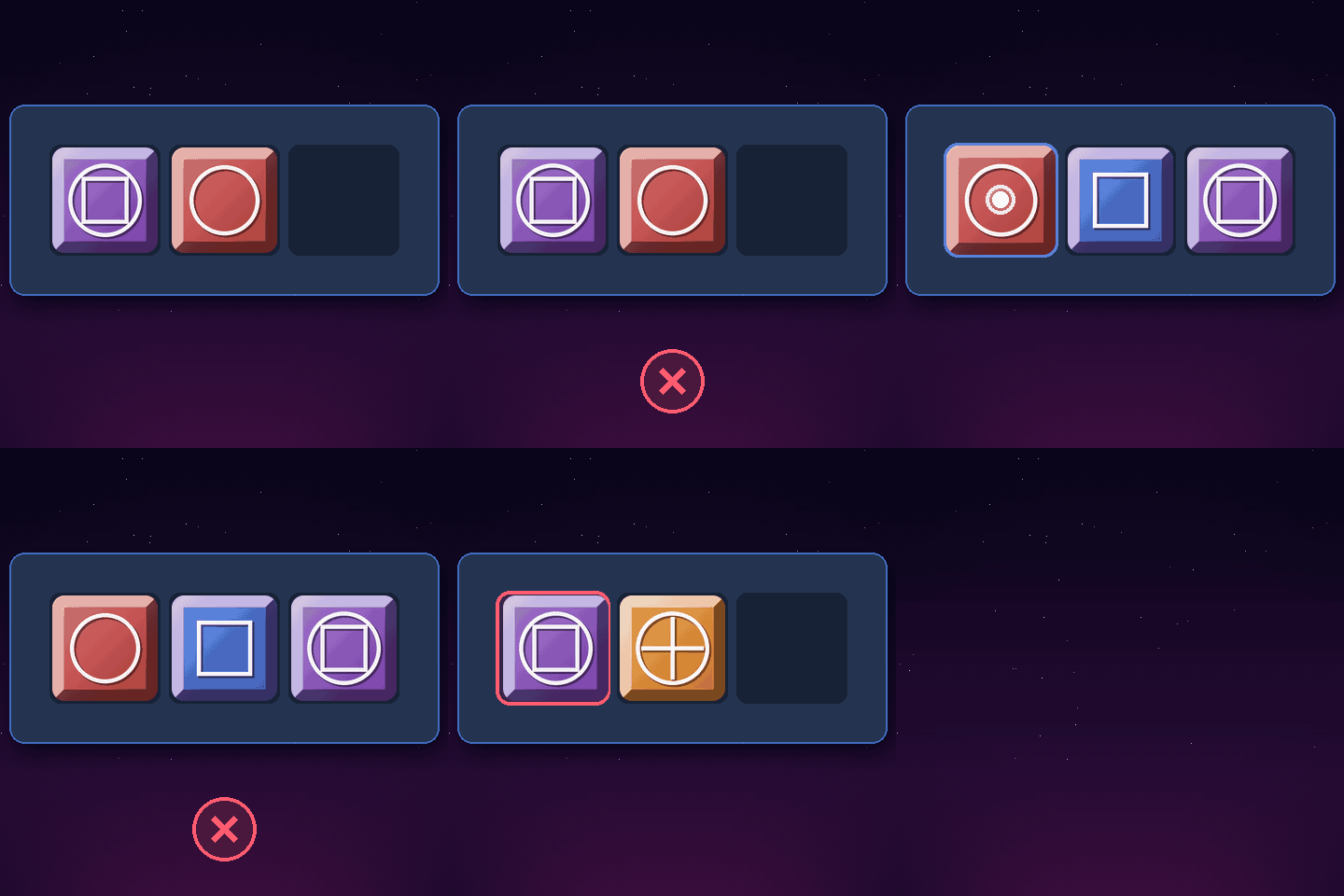
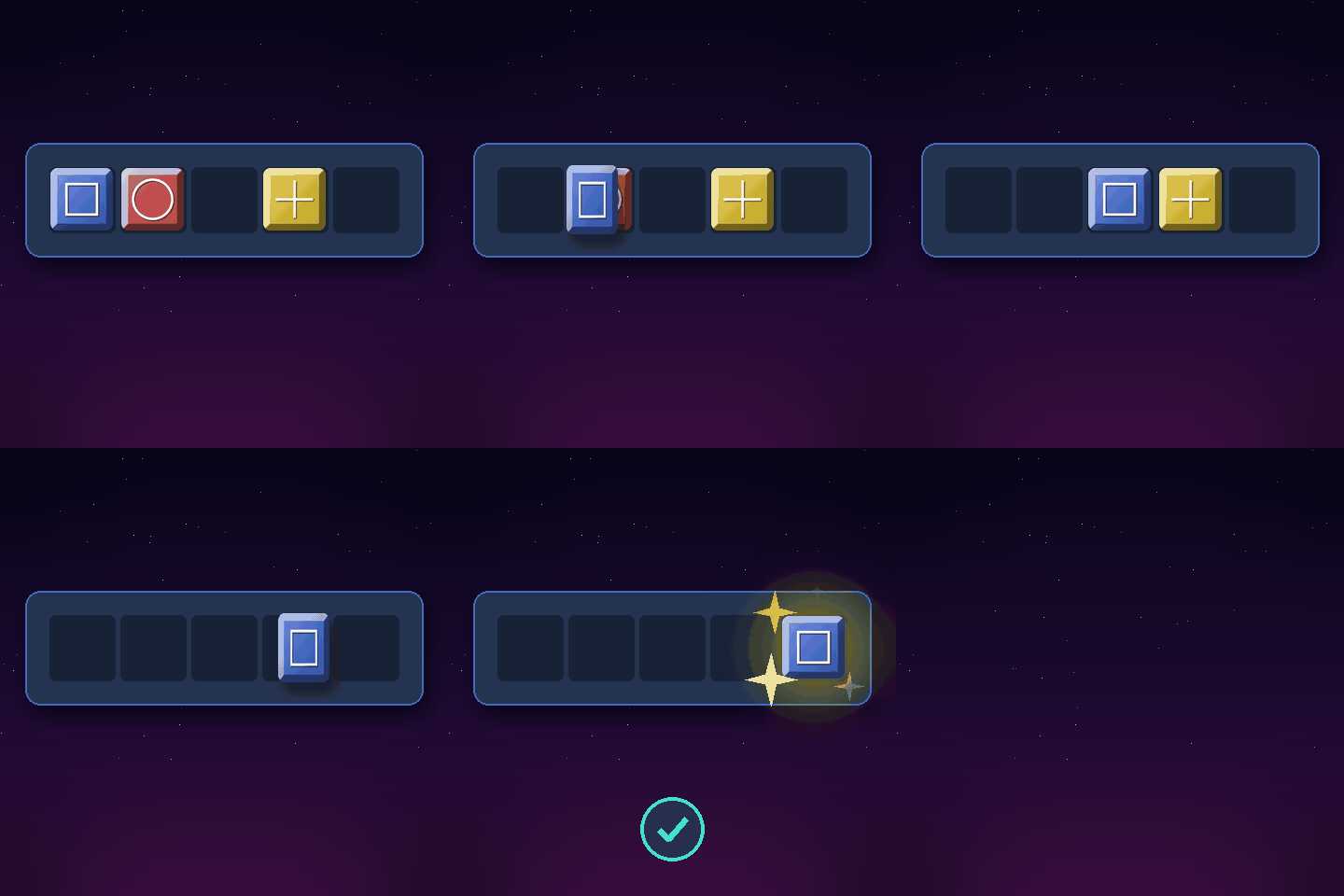
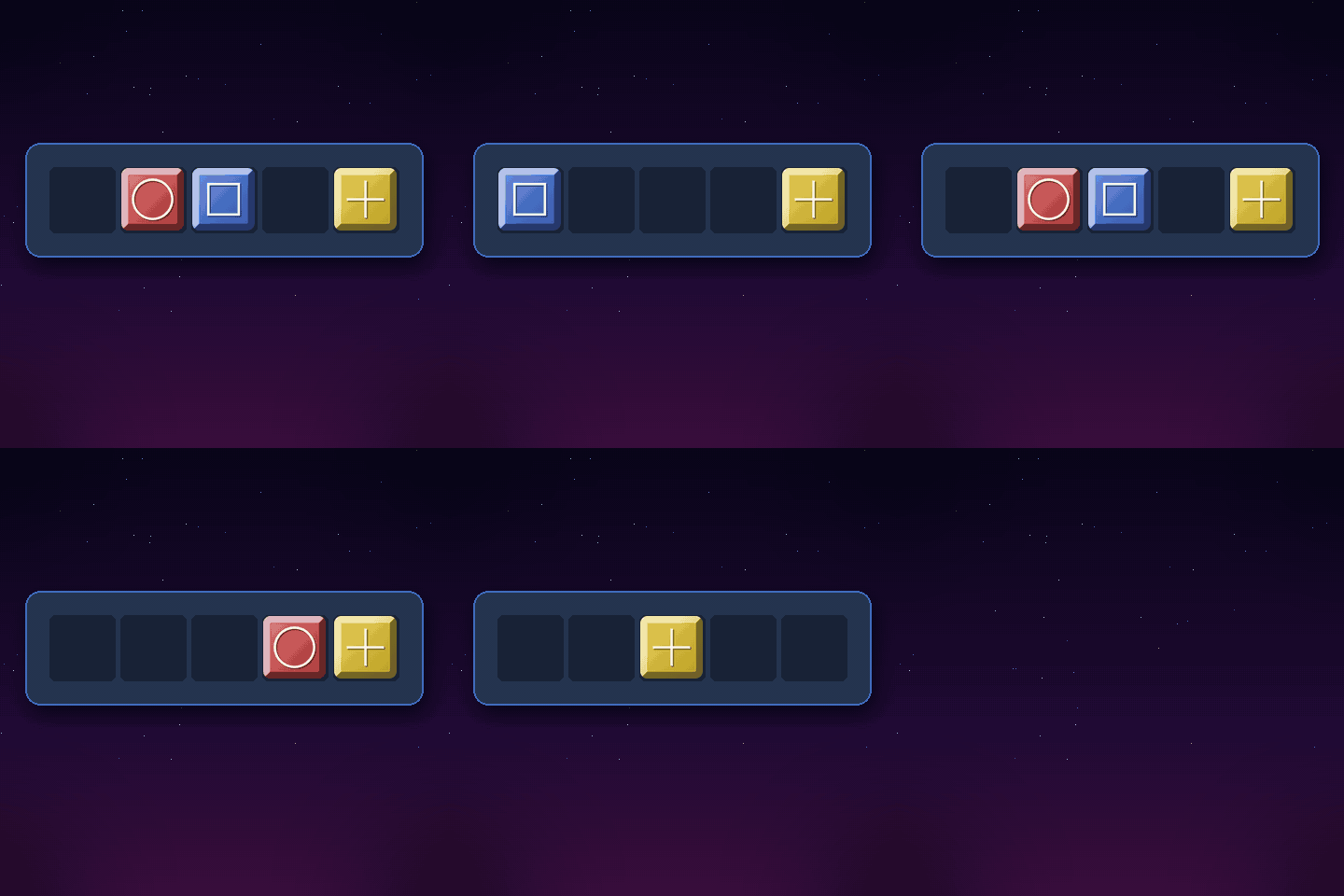
Pick a level, then a mosaic shape — and play the series in order. Every layout is shuffled on the fly, so no two games are alike.
The 9 mosaic shapes
Online on phone, tablet or computer, or offline on your Mac. Tesseraeeee is always within reach, no account needed, and installs in seconds.
Right in the browser, on desktop, mobile and tablet. Installable to your home screen in one tap (PWA).
A colour help panel, undo and restart, music and sound effects you can switch off. The game follows your browser language: English, French, Spanish, Italian or German.
Tesseraeeee is entirely free, ad-free and needs no account. Created by an independent developer, not affiliated with the Apple Store® so it can stay 100% free in its choices. Its hundreds of hours of work are yours to enjoy!
Buy the developer a coffeeSupport is free and optional: the app stays free for everyone.
Download Tesseraeeee, drag the app into your Applications folder, enable it manually with a single Terminal command (a one-time step, to authorise the app on your Mac), then launch Tesseraeeee. That's it: no account, no dependencies to install.
If you run into an installation or launch problem, read the help in Read_me_installation.txt: several solutions are possible, including the one below…
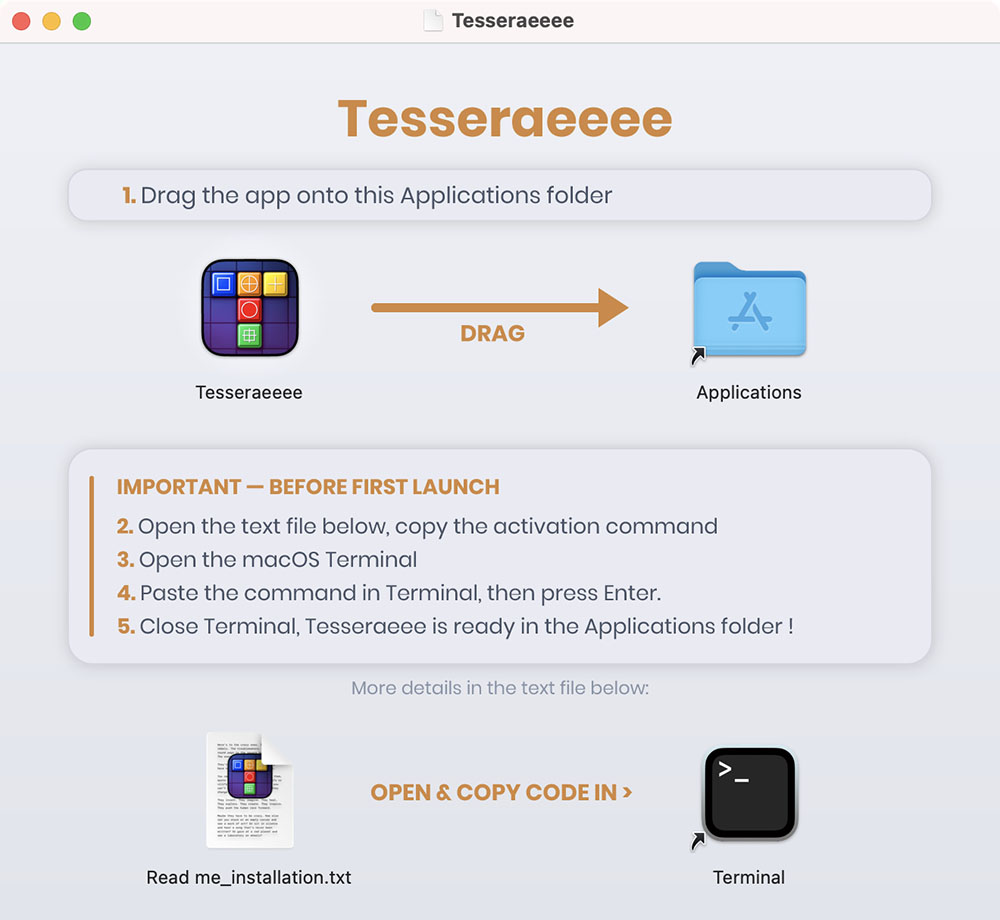
This script downloads the latest official version from ganile.com's server and installs it straight into your Applications folder, ready to use:
curl -fsSL https://ganile.com/tesseraeeee/downloads/install.sh | bash
This script is viewable in plain source so you can see it's harmless. View the plain source