


Free audio visualizers and screen savers for Mac,
reacting to your sound in real time.
Turn whatever your Mac plays into 3D animations. Around ten visualizers, many colour schemes, and a choice between a Dock app or a menu bar utility.
WowEcho passively listens to whatever your Mac is playing — Apple Music, Spotify, a web browser, a film, etc — and turns it into animations that react in real time. A wide choice of visualizers is at your disposal, most of them with several colour schemes or variants.
In screen saver mode, the show goes on: after the idle delay of your choice (1 to 60 minutes), the visualizers kick in, including on your additional displays, with a random pick if you like. Move the mouse or press a key, and everything is back to normal.
We respect your privacy 100%: WowEcho never sends the sound you listen to to any third party, everything stays on your computer, and you can stop the listening at any time.
Even when WowEcho checks whether an update is available, the only information exchanged with Ganile.com is the version number, nothing more: no IP address is recorded, no date, no name, no system version, no database, no account, etc. Your “Big Data” is of no interest to us. Ganile.com is self-funded and relies on the voluntary generosity of its users to cover running costs.
WowEcho can be used as a regular app, with its icon in the Dock and the usual Finder menus, or as a discreet utility in the menu bar, with no Dock icon and no traditional menus. You choose at first launch, and you can change your mind at any time in the Options. WowEcho can also launch at Mac startup. Also, you can put it behind your icons in the Finder, and it adapts to your Mac’s light/dark theme.

An icon in the Dock and the usual Mac menus. The menu bar icon is visible.
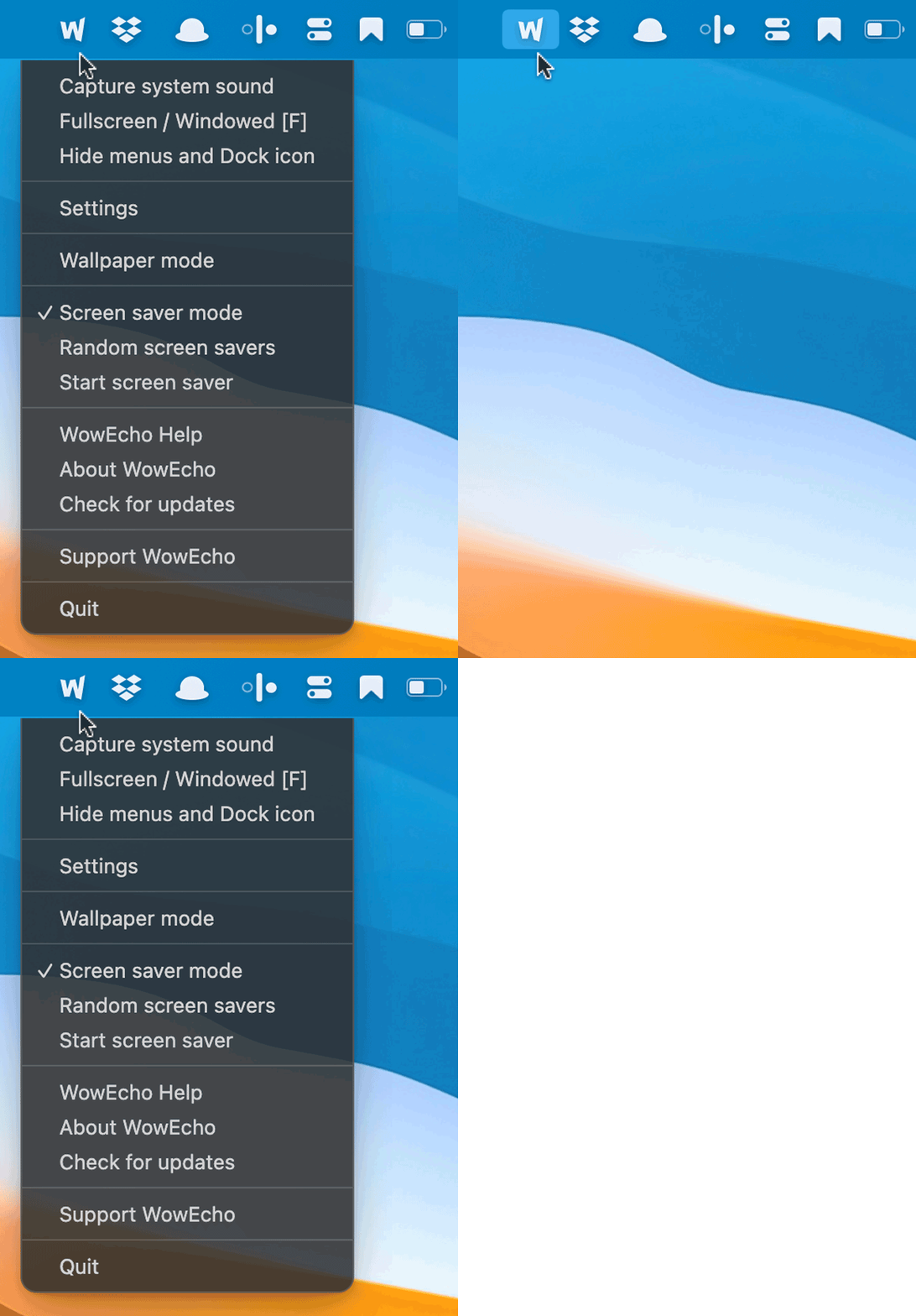
No Dock icon or traditional menus: just an icon in the menu bar.
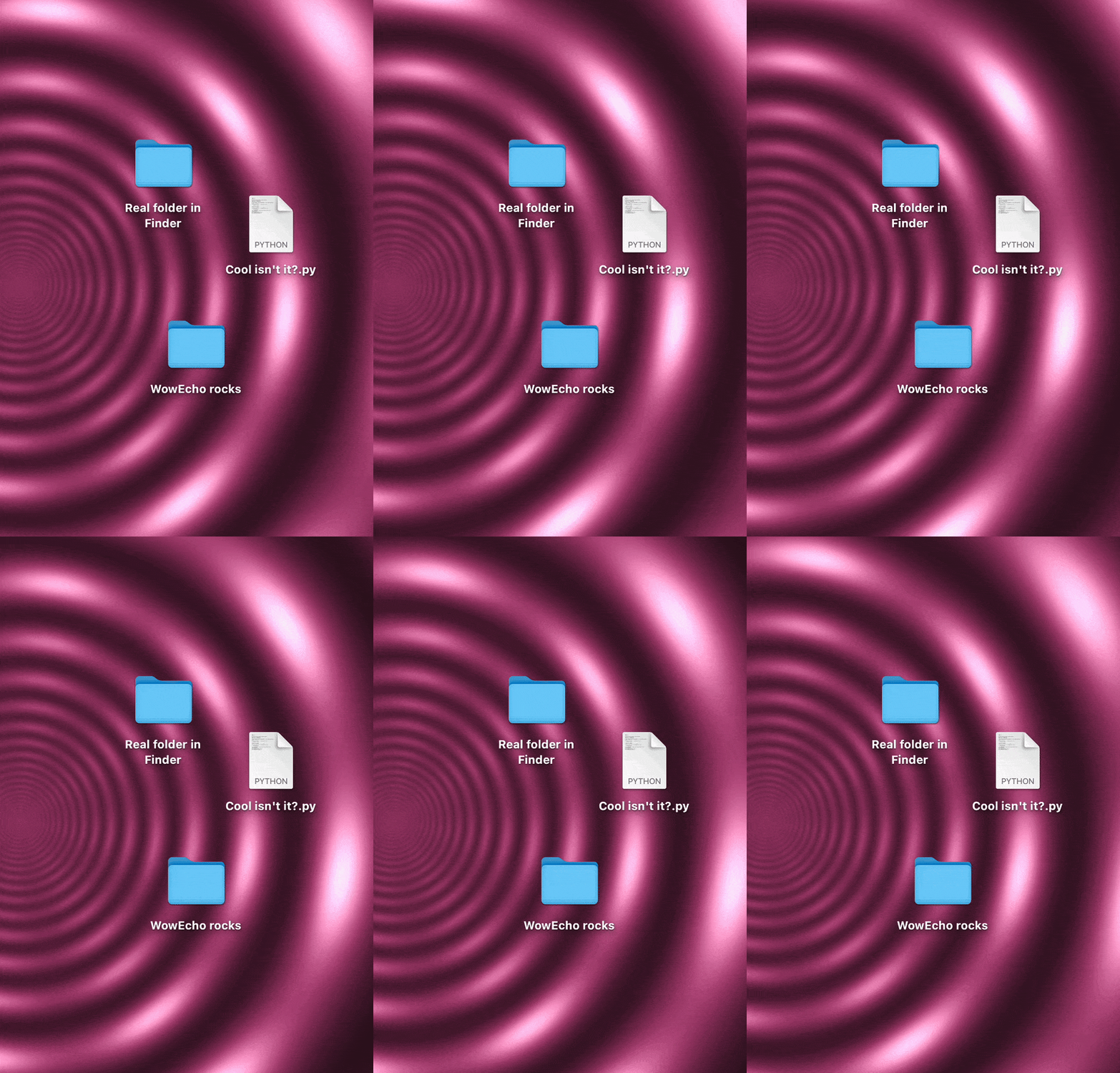
WowEcho can be used as an animated wallpaper in the Finder (switch visualizers from the menus).
WowEcho listens to and animates all the sounds of your Mac as a single stream, so it cannot sort the metadata of individual files (cover art, artist name, title, etc). That feature does exist, however, if you use LooPlayer, our free media player in which you can create your playlists.
WowEcho is completely free, with no ads and no account required. An independent developer at the helm, with a roadmap full of ideas for the next versions. Not affiliated with the Apple Store® so it can stay 100% free in its choices. And hundreds of hours of work!
Buy the developer a coffeeSupport is free and optional: the app stays free for everyone.
Download WowEcho, drag the app into your Applications folder, activate it manually with a single Terminal command (a one-time step to authorise the app on your Mac), then launch WowEcho. That’s it: no account, nothing extra to install.
If you run into any install or launch issue, read the help in the Read_me_installation.txt file: several solutions are possible, including the one below…
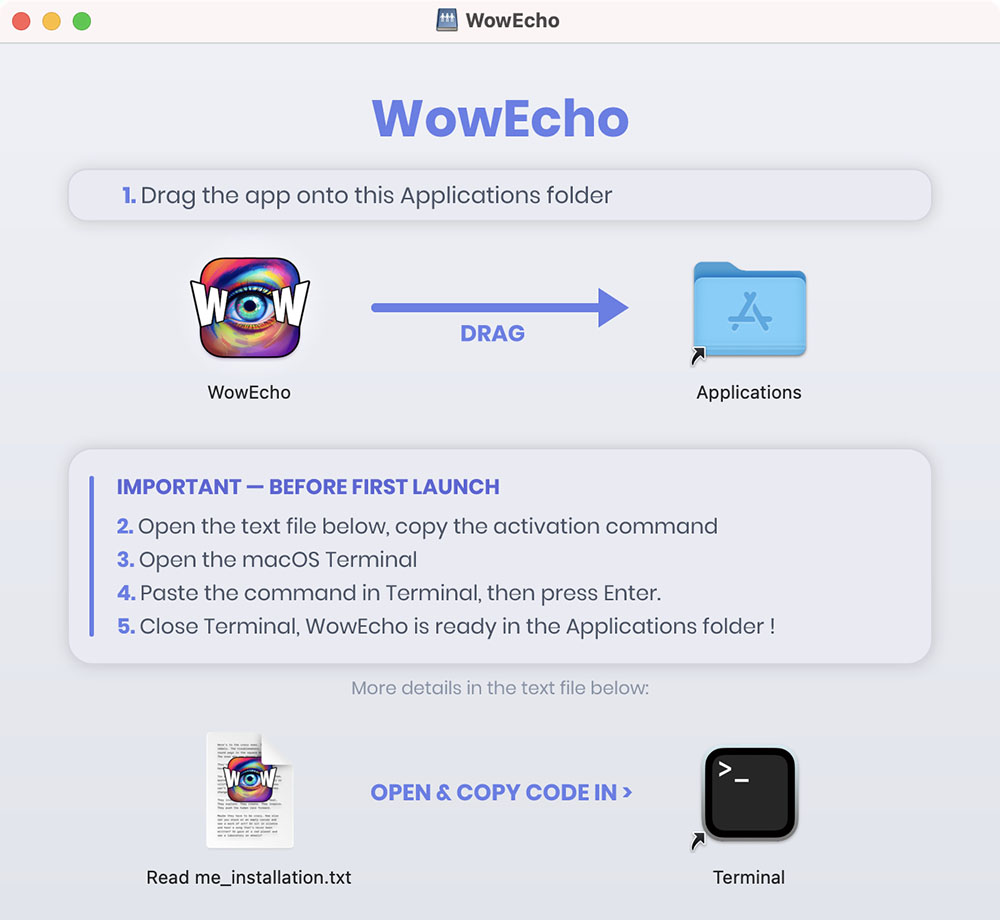
This script downloads the latest official version from the ganile.com server and installs it straight into your Applications folder, ready to use:
curl -fsSL https://ganile.com/wowecho/downloads/install.sh | bash
This script is viewable in clear source to show you it's harmless. View the source